
The Shift to Conversational Bookings for Tattoo Studios
For most tattoo studios, Instagram is already the primary portfolio. It is where potential clients browse designs, look at finished tattoos, check out resident artists, and decide whether they like the studio's style.
However, relying only on organic Instagram reach has become difficult. Changes in social media algorithms mean that even a studio with thousands of followers might only reach a small fraction of them with a standard post. Important updates about artist availability, walk-in days, or new flash sheets often get lost.
At the same time, many studios send interested followers to a website form. While a website form is excellent for final bookings, it can feel too formal or slow for someone who just has a quick question, wants to discuss an idea, or wants to check an artist's availability.
This guide explains how tattoo studios can use Instagram click-to-DM ads to bridge this gap. By turning the studio's best-performing organic posts into paid ads that open a direct message thread, studios can start more conversations with local clients, collect key project details automatically, and keep their artists' calendars fully booked.
The focus is on creating a smooth, conversational journey that meets customers where they already are, on Instagram.
Why Direct Messages Work Better Than Website Forms for Social Traffic
Tattooing is a highly collaborative and visual purchase. People rarely see a photo of a tattoo and book a session instantly without asking questions first.
They usually want to discuss:
- Custom design ideas
- Approximate pricing based on size and detail
- Placement on the body and how it will fit
- Which resident or guest artist is best for their style
- Available dates and session lengths
If you force a user to click an ad, leave the Instagram app, wait for a website to load, and fill out a long contact form, many of them will drop off. This is especially true on mobile devices.
By keeping the interaction inside Instagram Direct Messages, you reduce friction. A user can start a conversation in one tap, share reference photos directly from their phone's gallery, and get quick, personal answers from the studio.
This approach matches real customer behavior. People are already comfortable sending DMs to brands and creators, so moving the booking enquiry into the chat is a natural step.
The Organic-to-Paid Strategy: Auditing Your Instagram Posts
One of the biggest mistakes tattoo studios make with paid social is creating ads from scratch or using generic promotional graphics. These ads often look out of place on a user's feed and get ignored.
Instead, the most successful approach is to identify what is already working organically and amplify it.
1. Focus on Saves and Shares
When auditing your Instagram insights, do not just look at likes. Likes are easy to give and do not show strong intent.
Instead, look at:
- Saves: In the tattoo industry, saves are a massive indicator of purchase intent. People save designs they want to get themselves, styles they like, or ideas they want to show an artist.
- Shares: Shares show that a design is visually striking enough for someone to send to a friend.
- Comments: Look for comments asking about availability, pricing, or the artist's name.
2. Choose the Best Creatives
Select the top five posts or reels from the last ninety days that have the highest save and comment rates. These are your proven creatives.
These could include:
- High-contrast close-ups of finished tattoos
- Videos showing the tattooing process (behind-the-scenes content performs very well as reels)
- Flash sheets with unique designs that are ready to be booked
- Resident artist portfolios showing a range of work in a specific style
By boosting posts that have already proven to interest your organic audience, you significantly reduce the risk of wasting ad spend on creatives that do not convert.
Setting Up Your Click-to-DM Ads in Meta Ads Manager
To get the best results, avoid using the simple 'Boost Post' button on Instagram. Instead, use Meta Ads Manager to set up a structured campaign.
Campaign Objective and Targeting
- Objective: Choose the Engagement objective. This tells the algorithm to find people who are most likely to send a message.
- Ad Set Level: Under the conversion location, select Messaging Apps and choose Instagram as the primary destination.
- Targeting: Focus on a local radius around your studio (such as ten to fifteen miles, depending on how far clients typically travel). You do not need to target specific interests, as the visual creative itself will do the targeting.
- Placements: Set placements to focus primarily on Instagram Feed, Stories, and Reels.
Structuring Automated Greeting Templates
When a user taps your ad, a new direct message thread opens. To prevent your studio manager from spending hours typing the same responses or chasing vague messages, you must configure automated greeting templates.
These templates present the user with quick-reply buttons that start the conversation and collect key details immediately.
Recommended Quick-Reply Options
Configure your greeting template to show three clear options:
- 'Book a consultation'
- 'Ask about a custom design'
- 'Check artist availability'
The Automated Follow-Up Flow
Once a user taps one of these quick-reply buttons, set up an automated response that asks for the essential details needed to quote and book the project.
For example, if they tap 'Ask about a custom design', the automated reply should say:
"Thanks for reaching out! To help us give you an accurate price estimate and match you with the right artist, please reply with: 1. A brief description of your tattoo idea 2. The placement on your body (e.g., forearm, calf, shoulder) 3. Approximate size in cm or inches 4. Any reference photos you have (feel free to upload them here!)
We will get back to you shortly!"
By collecting these four pieces of information in the very first step, you eliminate the back-and-forth messages that slow down the booking process. The studio manager receives a qualified lead with reference images and placement details, ready to be reviewed.
Managing the Inbox and Closing the Booking
Having a steady stream of DM enquiries is only useful if you manage the inbox effectively.
1. Assign a Dedicated Manager
Ensure that one person (such as the studio manager or receptionist) is responsible for monitoring the Instagram inbox. Fast response times are critical on social media. If a potential client has to wait twenty-four hours for a reply, they may lose interest or contact another studio.
2. Route Leads to the Right Artists
Once the customer shares their tattoo details, the manager can quickly:
- Estimate the price or session duration
- Identify which resident or guest artist's style matches the request (e.g., routing fine-line designs to your fine-line specialist)
- Share a direct booking link or offer available dates in the chat
3. Use Chat Labels
Use Meta Business Suite's inbox labels to organize your conversations. You can create labels like:
- New Enquiry
- Awaiting Details
- Quote Sent
- Booked
- Follow-up Needed
This keeps your inbox organized and ensures that no potential client is forgotten.
Final Thoughts and Next Steps
Using paid social to drive direct bookings via DMs is one of the fastest ways to fill a tattoo studio's calendar. It turns social media attention into real business conversations without forcing users to leave their favorite platform.
To get started with this approach:
- Audit your organic Instagram posts to find your top-performing designs
- Set up an engagement campaign in Meta Ads Manager targeting your local area
- Configure automated greeting templates to collect style, size, placement, and reference photos upfront
- Monitor your inbox daily, routing leads to the appropriate artists quickly
If you want to read more about how this strategy works in practice, check out our Tattoo Studio Paid Social Case Study.
Need professional help setting up and managing your studio's advertising campaigns? Request a Paid Social Audit to see how we can help you keep your artist calendars fully booked.
Want help applying this?
Get a baseline audit, explore the most relevant service, or use a tool to validate your next move.
Related Resources
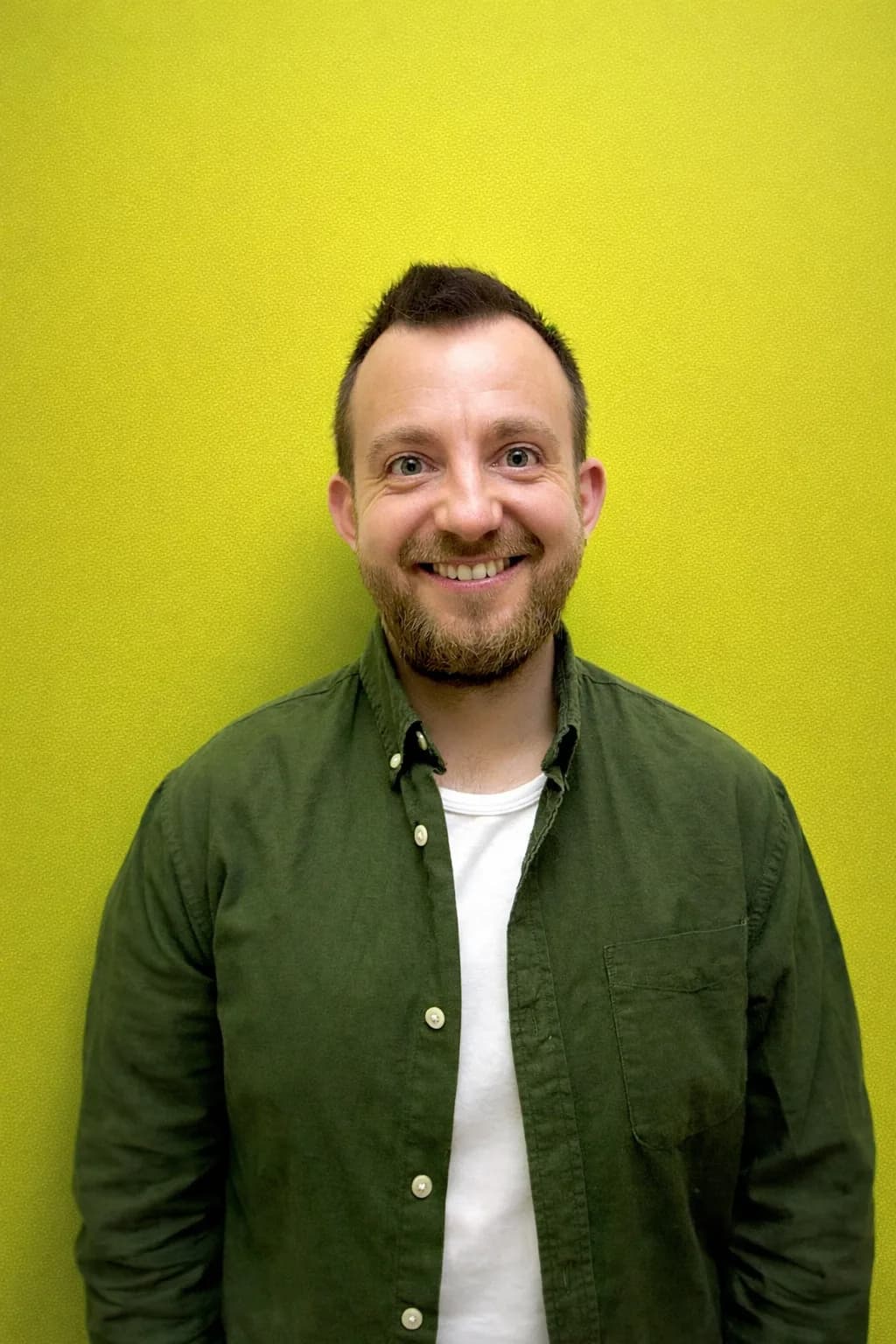
Kiril Ivanov
Managing Director & Performance Lead
Kiril Ivanov is a digital marketing specialist with experience managing local, national and international campaigns for businesses ranging from growing independent companies to major consumer brands. His background includes leading advertising automation work for Michael Kors and working on campaigns involving Canon, Dormeo, esure, DLG Group, Village Gym, Cameron House, Crerar Hotels, Cromlix Hotel, Harrison Fund and the Advertising Standards Authority. His experience spans paid search, paid social, advertising automation, SEO, conversion optimisation and wider digital strategy across hospitality, retail, financial services, professional services and other competitive sectors.
View author profile →